
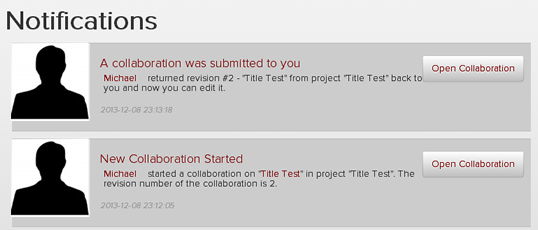
After you have published a track, you may be notified  under Notifications that "A collaboration was submitted to you".
Click the "Open Collaboration" button (as seen in below image) and you will be able to listen to the collaboration.
Next, you have the option to edit the tracks within the project (as seen in below image). You may also record or upload any additional track(s). If you would like the collaborator to make any adjustments you also have the ability to make comments to them in the Comments field and then click the "Return to Collaborator" button. If you are happy with the way the track sounds you may click the "Publish" button to share this new track with this additional collaboration on the "Latest Tracks" wall.

The new Collaboration track will appear on the "Latest Tracks" wall now available for others to listen to.
