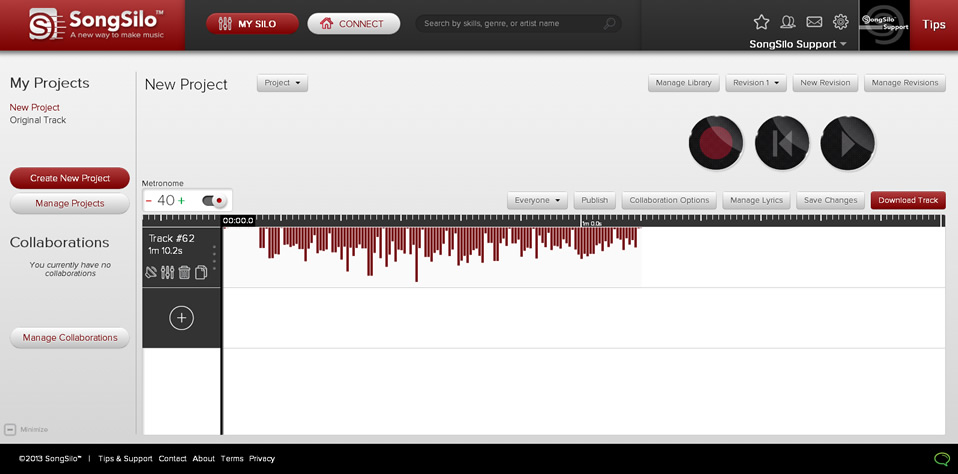
You may already have a recorded track or song that you would like to publish on SongSilo. The following steps will assist you on how to upload existing track/song files into a project.
Step 1: Click on the button labeled "My Silo" at the top of the screen.
Step 2: Click "Create New Project" at the left of the "My Silo" screen.
Completely fill out the necessary New Project fields. Then click "Create" at the bottom of the screen.
Step 3: You will notice once you are back in the main "My Silo" screen that your screen will look like this:
Step 4: To upload an existing track/song click the 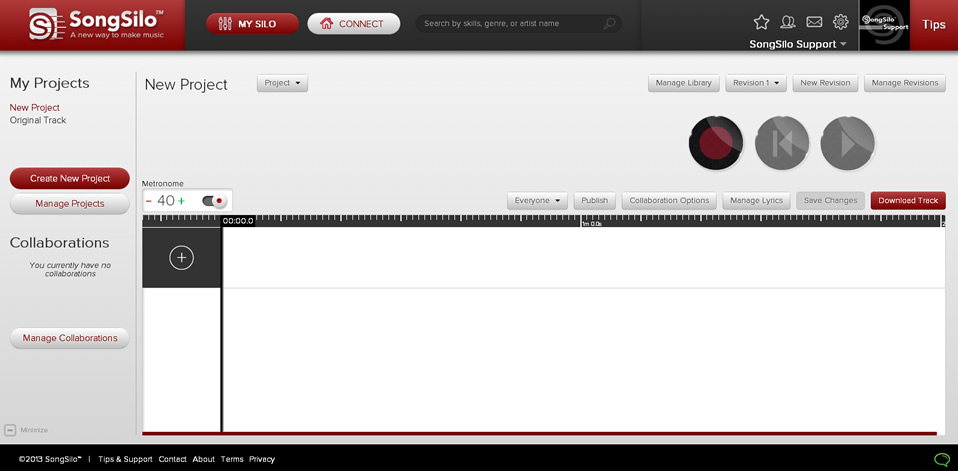
 button. The following window will appear: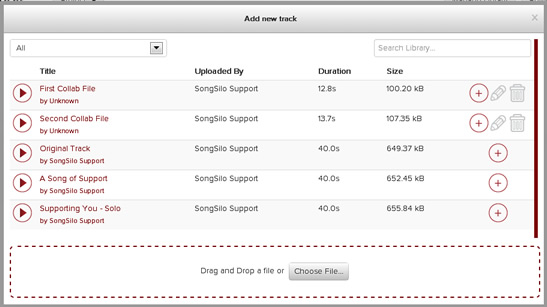
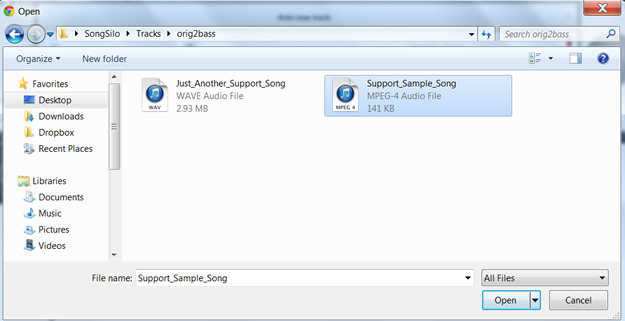
Step 6: Your track will now be imported into your "Silo" as seen in the following image. It's now ready to publish or edit.