
When you first log in to SongSilo you are on the "Connect" page. Here you will be able to listen to the "Latest Tracks" published by your friends and other users in the system.
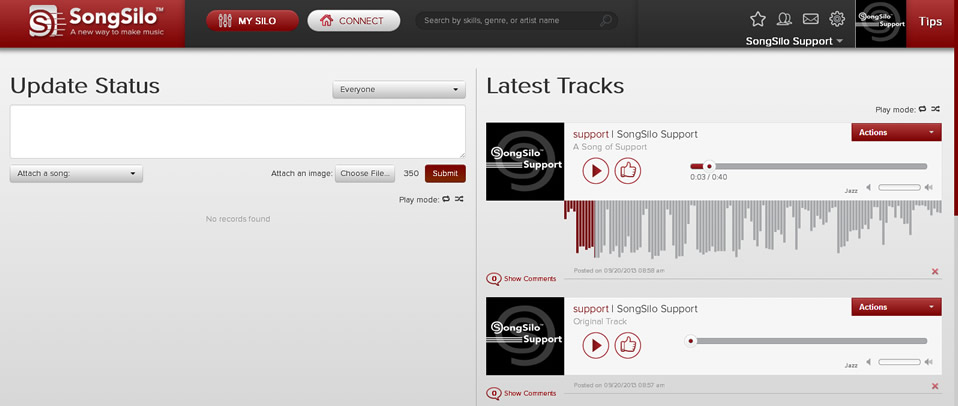
You can play the tracks by clicking the  button on any of them. You can choose to "Play All" the Tracks by clicking the
  button. It will turn maroon color when it is on/enabled. Your other option is to "Shuffle" the tracks. You can do this by clicking the
  button. This image will also turn maroon when it is on/enabled. If you don't hear sound, check your speakers to make sure they are turned on and the volume is turned up.