
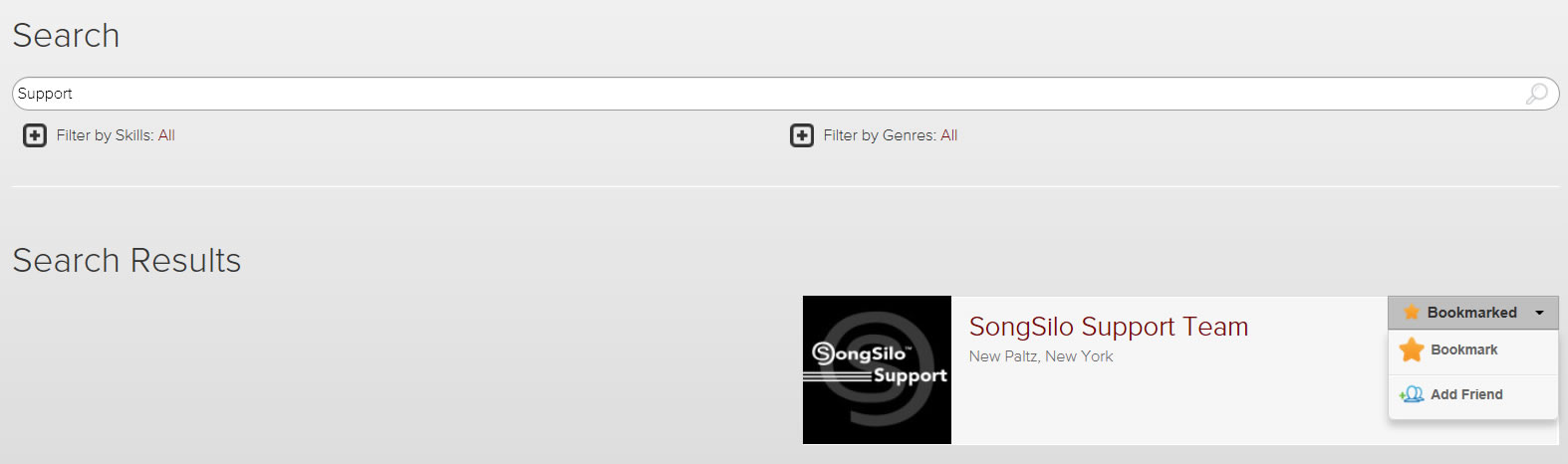
One way to find your existing friends on the system is to simply use the Search bar at the top of the screen. You can enter all or part of their name and click search. Once the results are displayed you can add them as your friend by clicking the Actions menu and choosing the "Add Friend" option. As seen here:
If you would like to verify who they are you can click their profile image and viewing their wall. If you would like to add them as your "Friend" at this point simply click the green "Add Friend" button as seen in the below image:
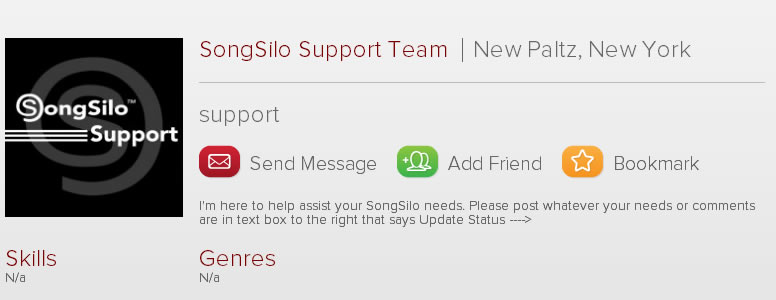
That will submit a Friend Request to them. You will be notified when they accept your friendship.
The other way you can make friends is by listening to the Latest public tracks on the main Connect page. If you would like to add them as your friends, click the Actions menu and choose "Add Friend".